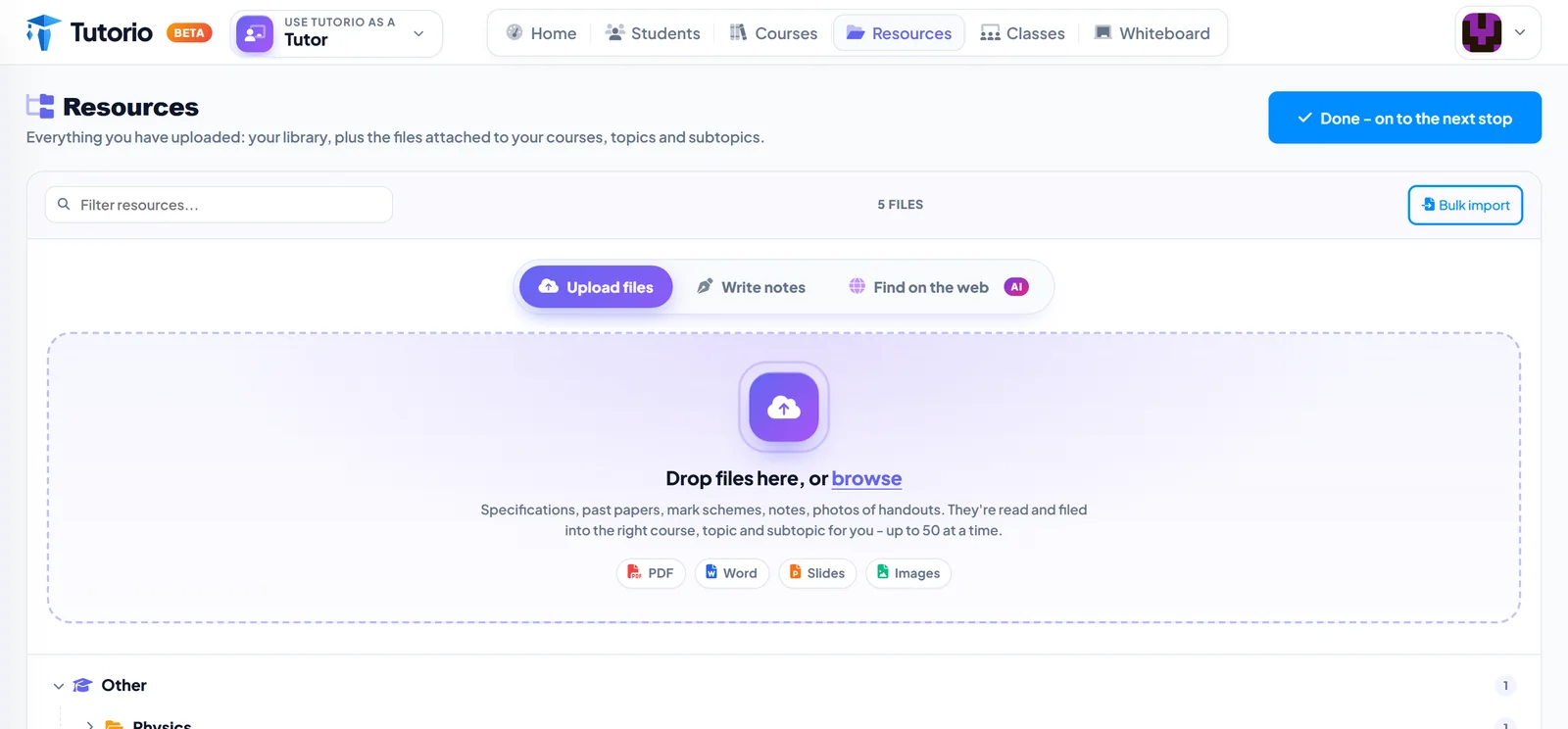
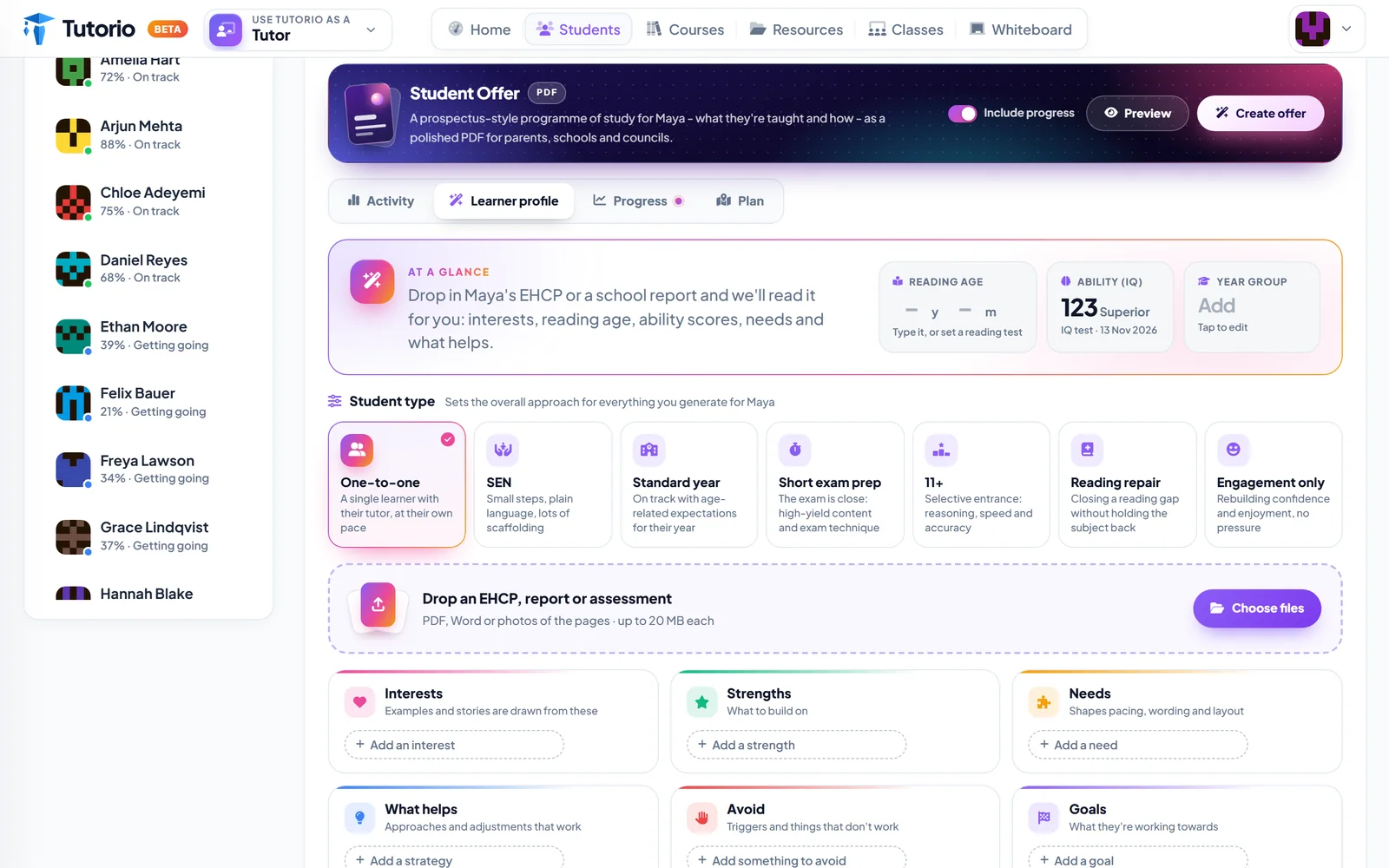
You have a folder. It might be called Teaching, or GCSE, or New Folder (3). Inside are the specifications, the past papers, the mark schemes, and a set of notes you wrote in 2019 that are still better than anything in the textbook.
That folder is the most valuable thing you own as a tutor. It is also a pile of PDFs that no fourteen-year-old is ever going to open on their phone.
The course wizard is our attempt to close that gap. Three steps. Here is each one, with what is really on the screen.
Step 1 asks a question nobody else asks
Before it wants a title or a subject, the wizard wants to know one thing: who is this course for?
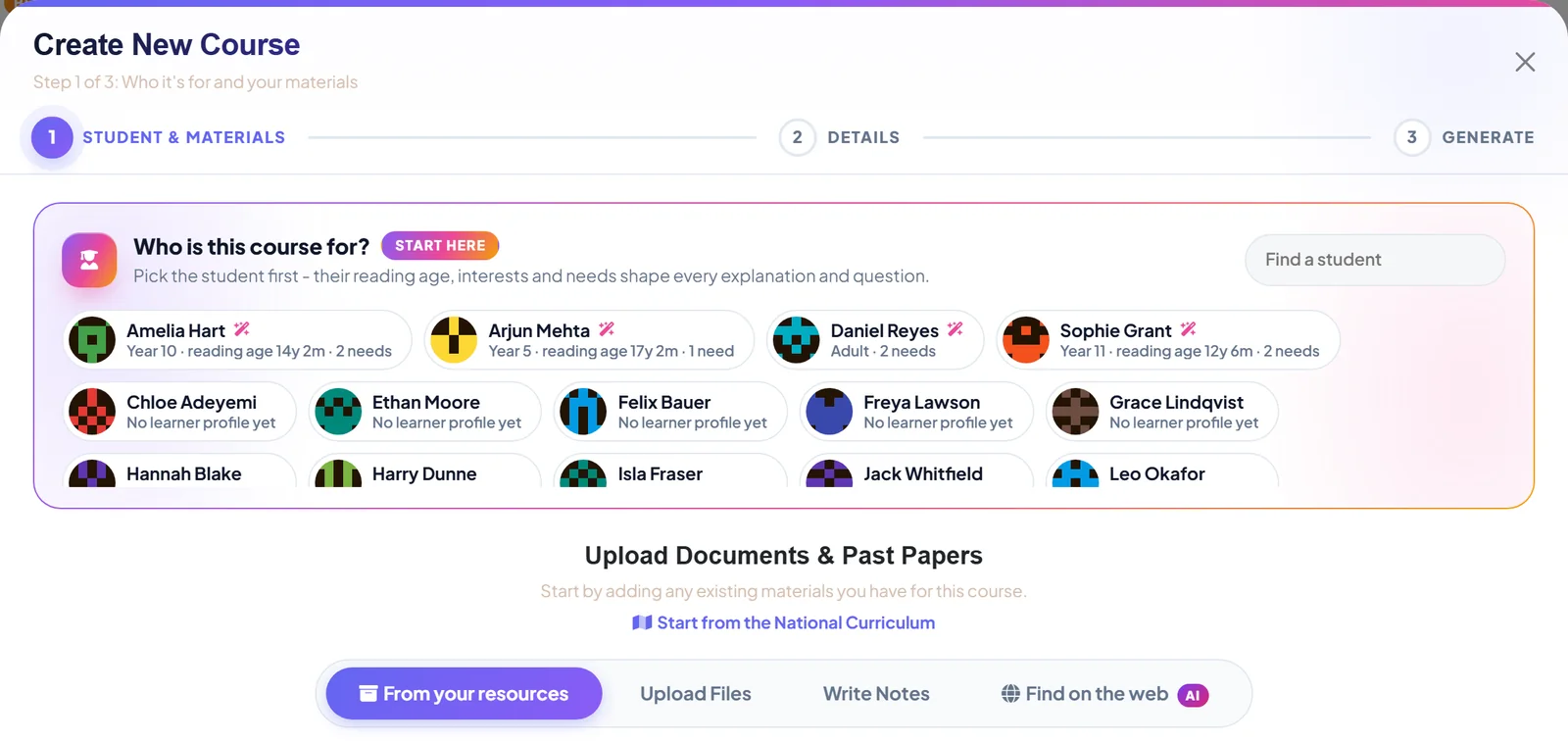
Look at those chips. Two students sitting the same paper, a year and eight months apart in how comfortably they read. Hand them the same explanation and one of them is bored while the other is lost.
So you pick the student first, and everything that follows is written for them: the length of the sentences, the examples, the pace. We wrote more about that in same specification, different child.
Then you feed it
There are four ways to give the wizard something to work from:
- From your resources. Anything already in your library, picked from a list. Nothing gets uploaded twice.
- Upload files. PDFs, Word documents, slides, photos of a handout. Scans are read too.
- Write notes. Type or paste exactly what you want taught, in your own words.
- Find on the web. Describe what you need and the wizard goes looking for specifications and past papers, checks each one is a real, readable document, and tells you who owns it.
And if the folder is empty? Start from the National Curriculum gives it a syllabus to build on. Everyone starts somewhere.
Tutorio keeps the link, never the file, and lessons built from a found document are original text, not a copy of it. Every result carries a label saying who owns it, and you confirm you are allowed to use it before it is added. A link in a search result is not a licence.
Step 2 is where you say what it is for
Subject, exam board, level. Then the purpose, which is the part people skip and should not.
A six-week sprint before mocks and a slow confidence rebuild for an anxious Year 9 can cover the very same topic. They should not read the same. Tell the wizard which one this is and it will not write the wrong one.
Step 3: press the button, then go and make dinner
The wizard pulls the topics and subtopics out of your material and starts building. You do not have to watch. Close the window, teach a lesson, come back.
Those limits are deliberate, and we will defend them. A course that tries to swallow a two-year syllabus whole is miserable to teach from. Two courses, one per exam paper, is nearly always the better idea.
While it builds, each lesson is checked for accuracy and put in order so that the teaching comes before the questions. That last rule is one we care about a great deal, and it has its own post.
What comes back
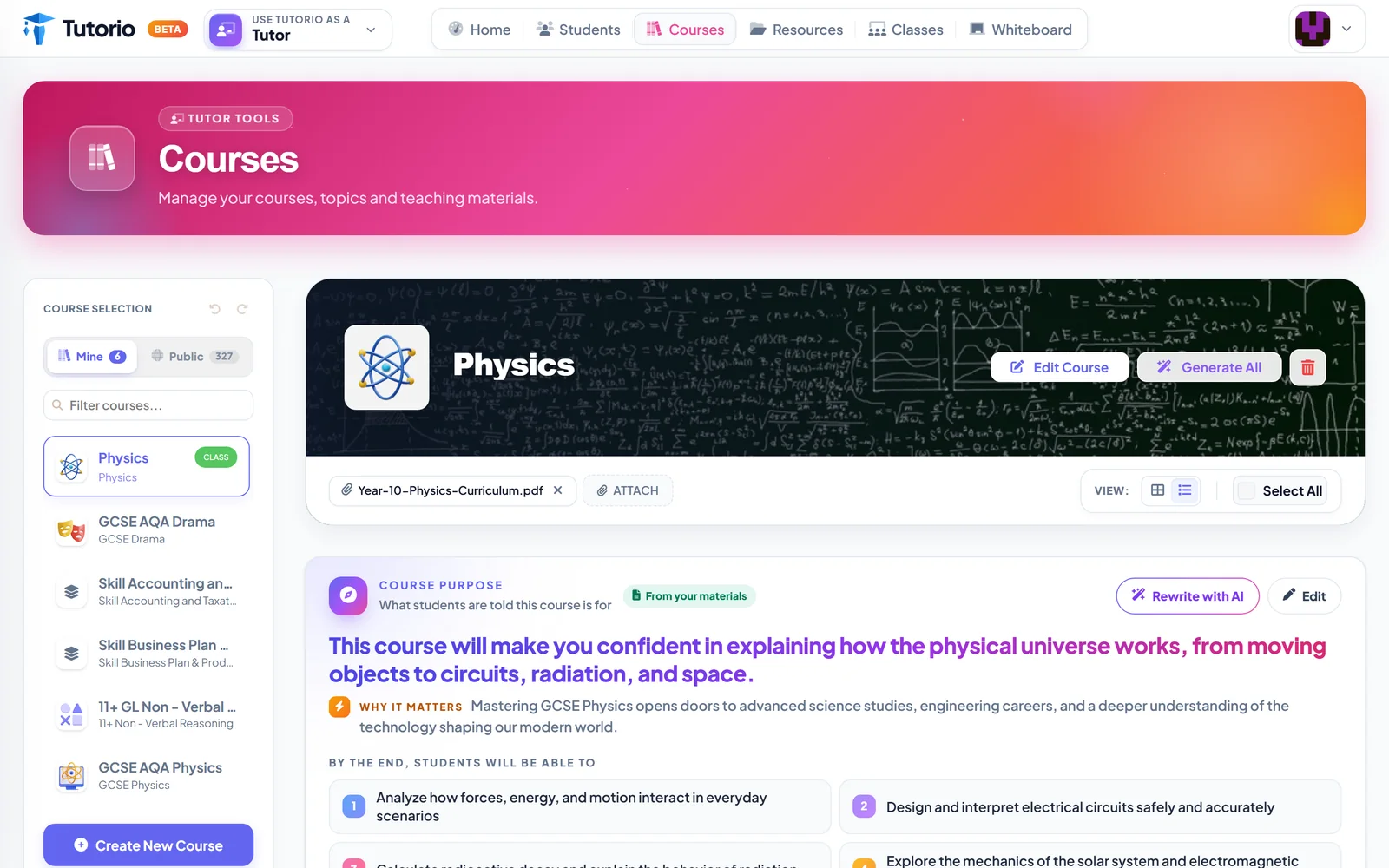
The finished course arrives in your library with its source document still attached and a course purpose at the top: one sentence, shown to students, about what this course will do for them. Under it, why it matters, and what they will be able to do by the end.
That purpose was written from your own PDF. If it is not quite how you would say it, there are two buttons: Edit, and Rewrite with AI. Use whichever suits your mood.
It is a first draft, and it knows it
This is the part we most want tutors to hear. The wizard does not replace your judgement. It gets you from a blank page to a solid draft, and then every card is yours to change: the wording, the answer, the picture, the hint. Add cards. Bin the ones you do not like. Rebuild a single lesson if it missed the point.
You are still the teacher. You have just stopped being the typist.
Building lessons uses AI credits from your plan's monthly allowance, and you see an estimate before you press build. Students practising never uses credits. Neither do live lessons, marking or progress.

Questions people ask
Can I turn a PDF or a past paper into lessons?
Yes. Upload PDFs, Word documents, slides or photos of a handout, and the course wizard pulls out the topics and builds lessons from them. Scanned pages are read too.
How long does it take to build a course?
Your part is three short steps. The course then builds in the background, so you can close the window, teach a lesson and come back to it.
Can I edit what the AI writes?
Everything. Change the wording, the answer, the picture or the hint on any card, add or delete cards, and rebuild a single lesson if it missed the point.
Does building a course use AI credits?
Yes. Building lessons uses AI credits from your plan's monthly allowance, and you see an estimate before you press build. Students practising, live lessons, marking and progress never use credits.
How big can one course be?
Up to 60 subtopics, with 8 to 12 cards in a typical lesson. A bigger syllabus is better split in two, for example one course per exam paper.
Written by the Tutorio team. We build Tutorio, so these posts describe the product as it is today. Every screenshot is a real capture of the app, and anything that changes gets an updated date. Spotted something out of date? Tell us.