Revision tips for students, and how Tutorio helps
Start with the two revision guides: how to build a timetable you will still be following in week three, and why testing yourself beats reading your notes again. Then, what does learning on Tutorio look like from the student's side of the phone? These posts follow real lessons card by card: why every lesson explains before it asks, what happens when a student gets stuck at nine at night and asks Rio, and how five arcade games turn this term's course into something to play.
 Latest The revision timetable you will still be using in week three Most revision timetables are beautiful and dead by Thursday. Here is how to build one from topics, short sessions and a weekly catch-up slot, so it survives real life. Read the post
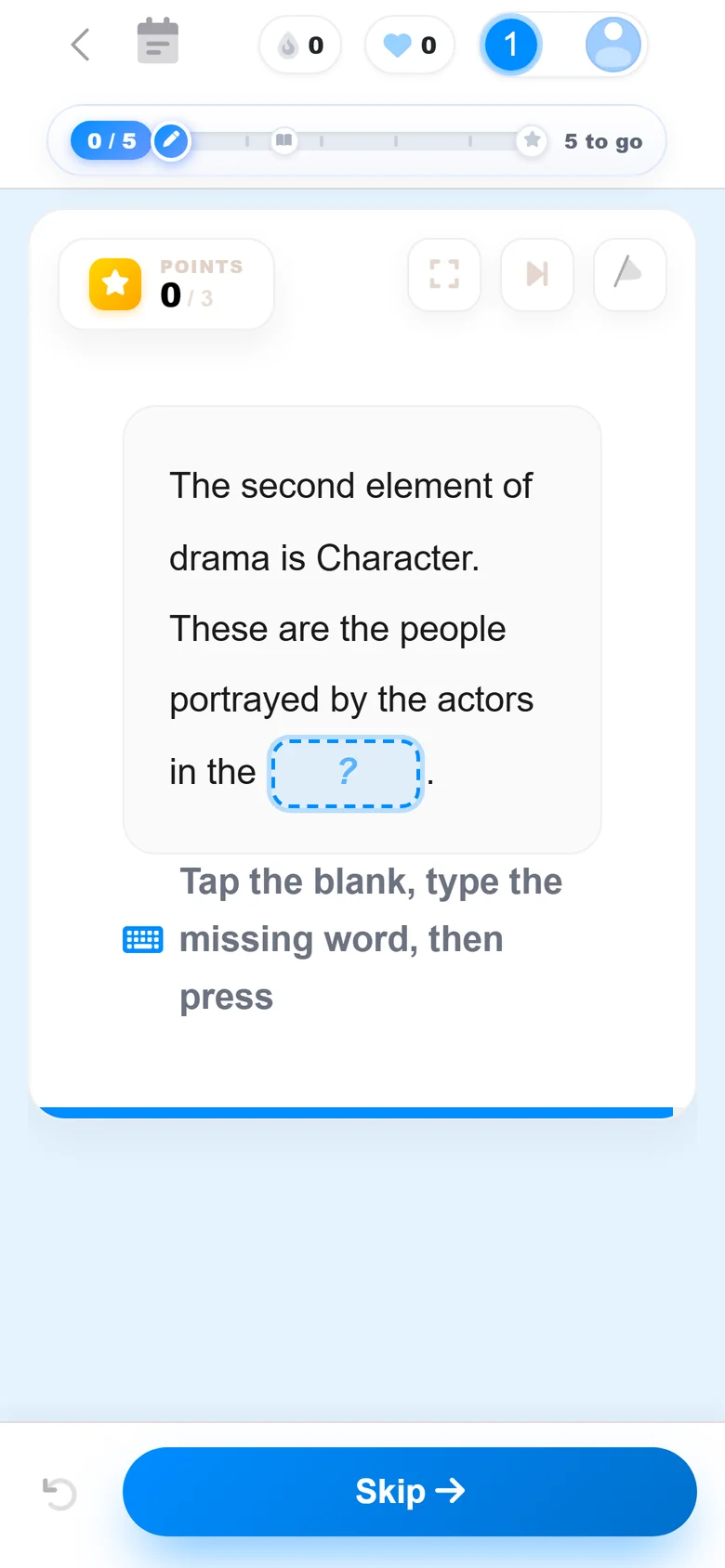 For students Rereading your notes feels like revising. Mostly, it is not. Highlighting and rereading feel productive and do very little. Two techniques with decades of research behind them do far more, and all they need is a blank page. For students A wrong answer costs a heart. Good. Hearts, streaks, quests and chests are not decoration. Each one is there to change what a student does next. Here is the thinking, and where the off switch is.
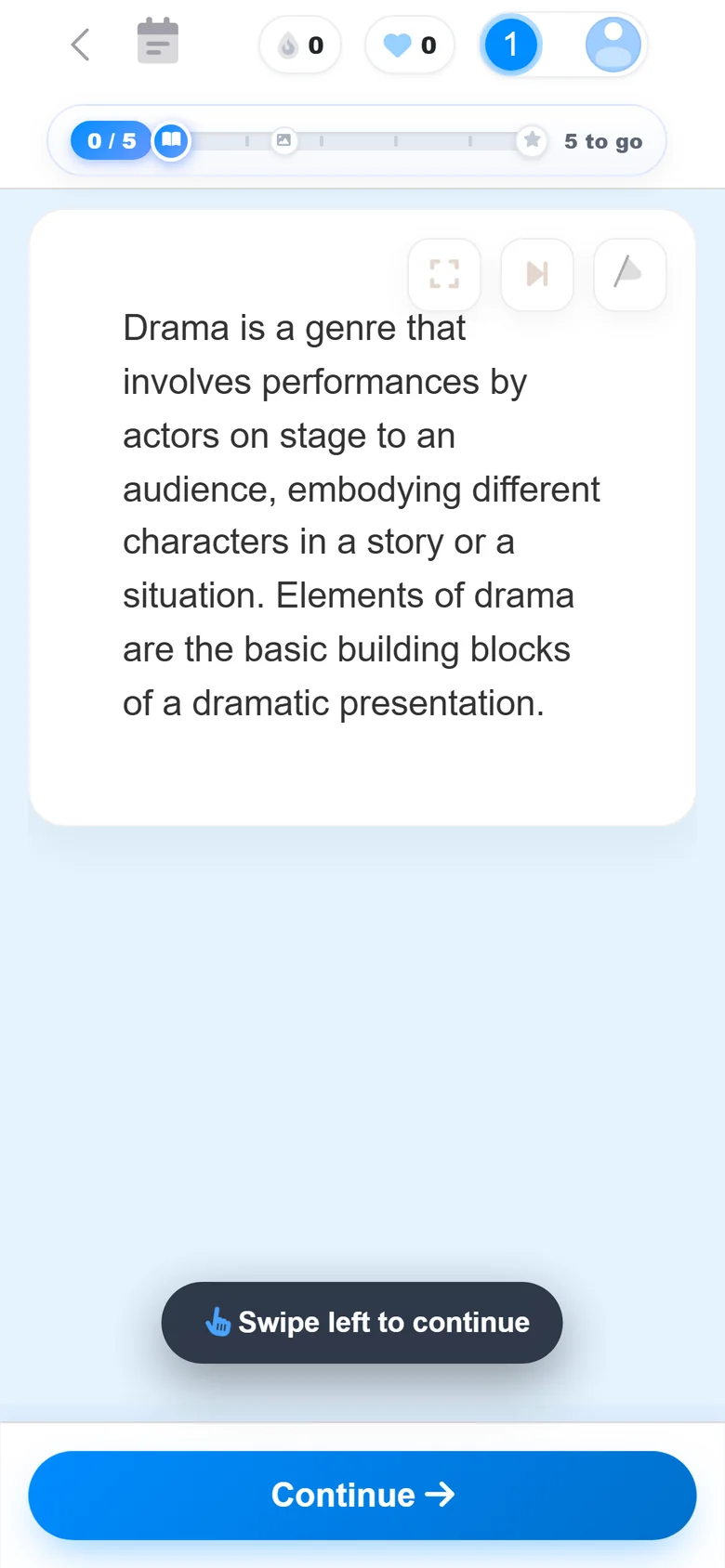 For students Stop quizzing children on things nobody taught them Most revision apps open with a question. Tutorio opens with an explanation. Follow one student through the first minute of a real lesson, card by card.
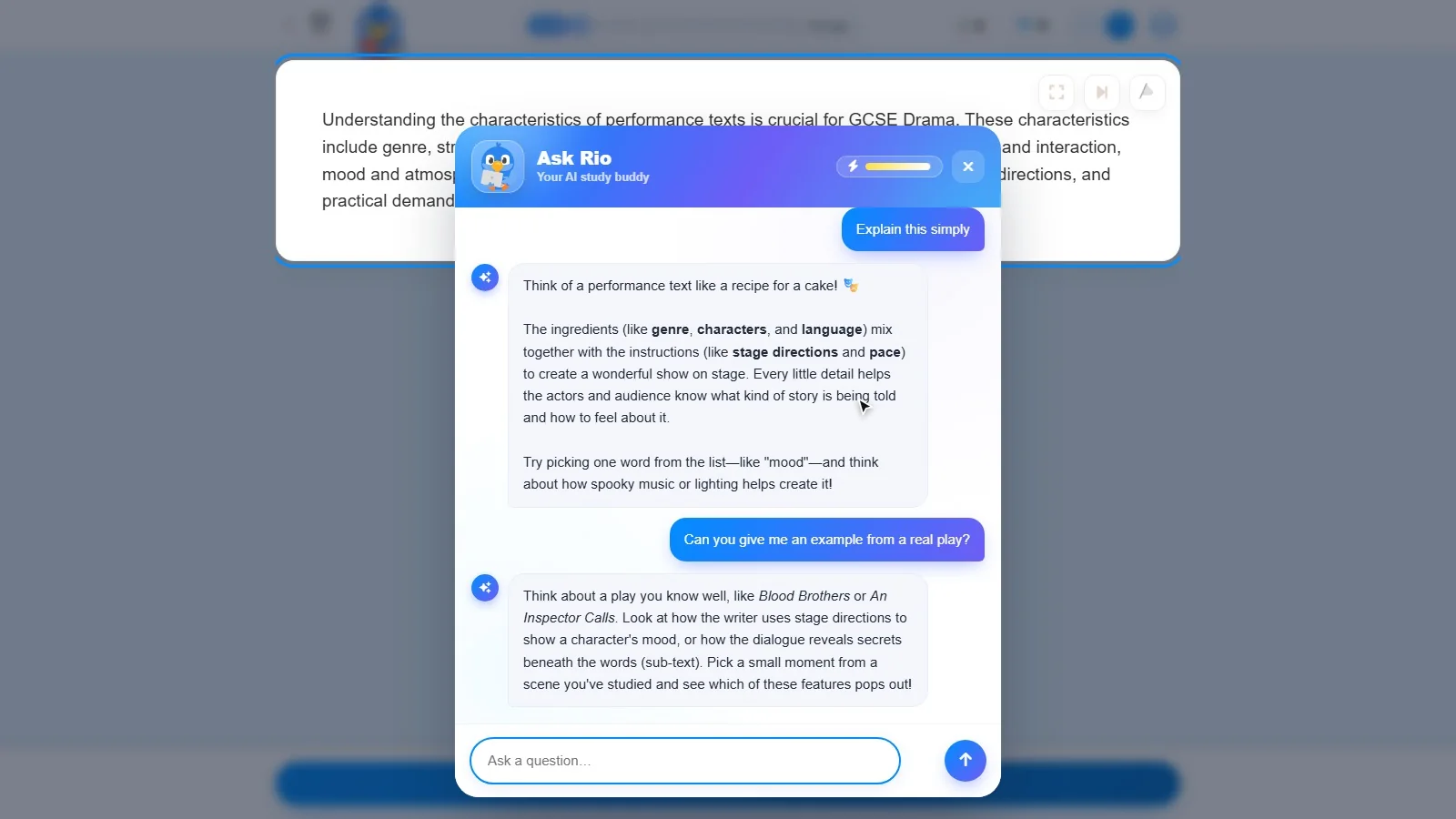 For students Meet Rio, the bird who explains it again It is nine o'clock at night and a paragraph has stopped making sense. There is no hand to put up. That is the moment Rio was built for.
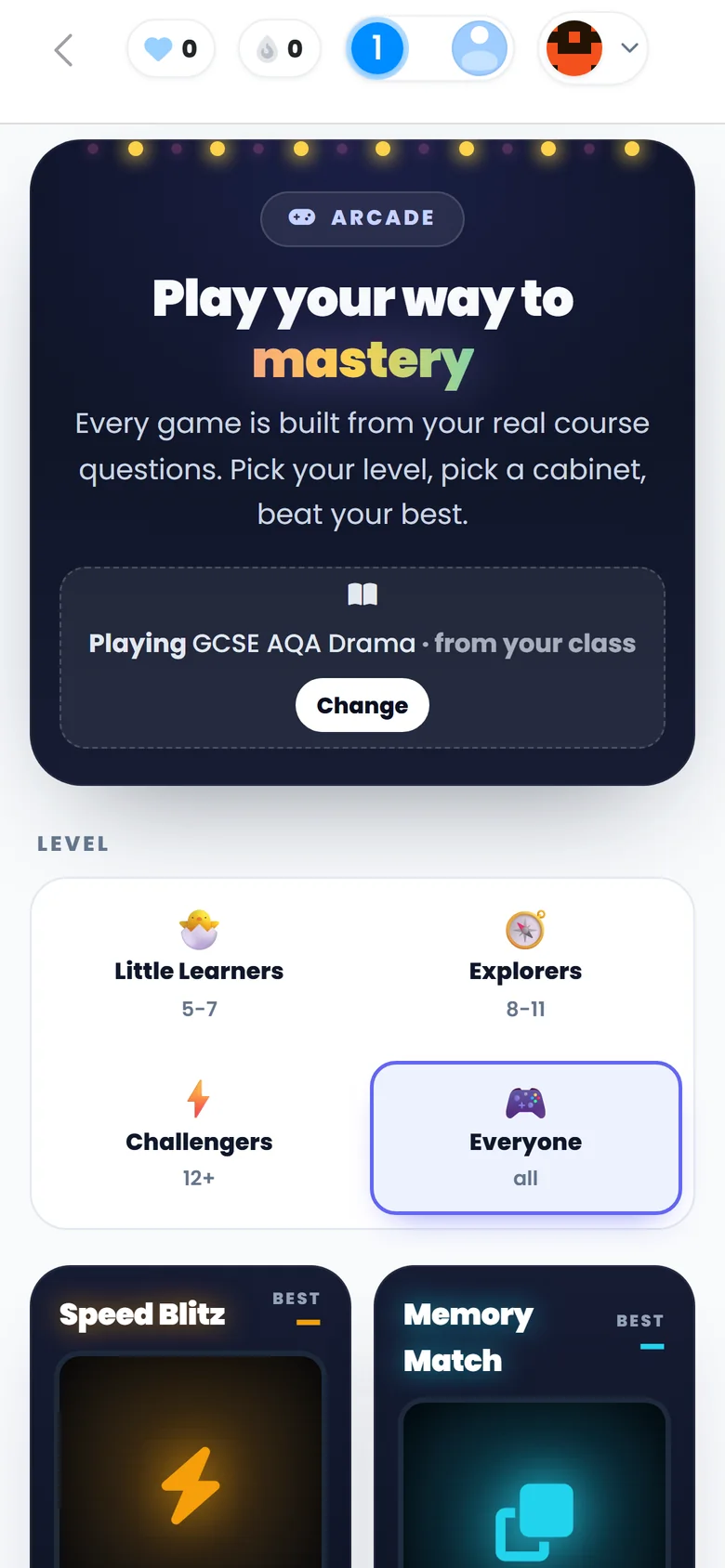 For students Insert coin: revision that looks suspiciously like an arcade Speed Blitz. Memory Match. Boss Battle. Five arcade cabinets, and every single question inside them comes from the course a student is actually studying.

Rather see it than read about it? Tutorio is in public beta. Take a look at the tutor workspace, or try a lesson as a student.
Tutorio for tutors Browse courses