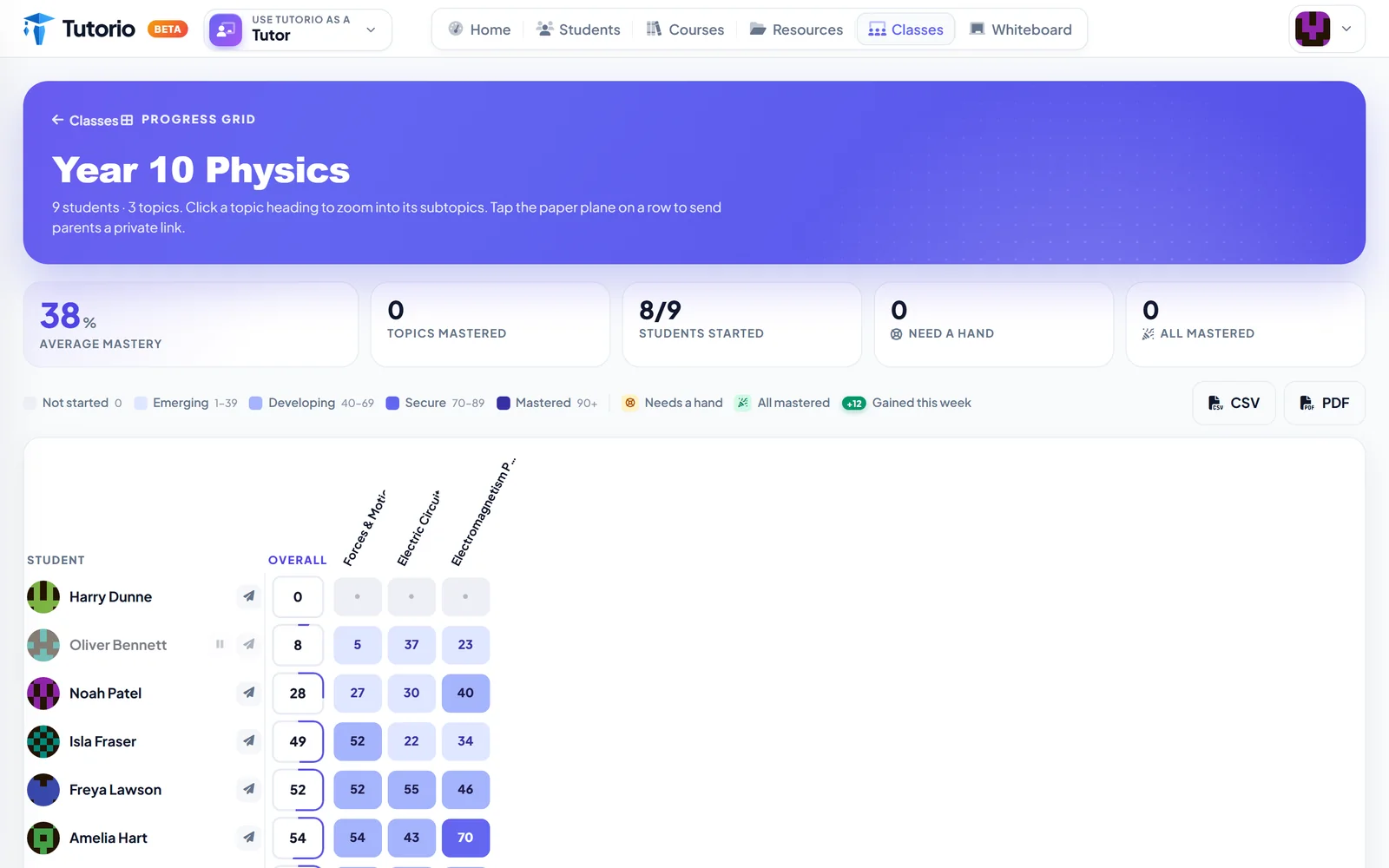
Picture two students. Both in Year 10. Both sitting the same physics paper in the summer.
The first reads like an adult, finishes early, and has started drawing on the desk. The second is every bit as bright, but loses the thread when a question runs to a third line, and has learned to say "I don't get it" before she has really tried, because that is less embarrassing than trying and being wrong.
Hand them the same worksheet and you fail both of them. One is bored. One is drowning.
Any decent tutor adjusts for this without thinking. You slow down, you swap the example for one about football, you break the question into three. The trouble is that software cannot see the child in front of you. Unless you tell it.
Tell it once
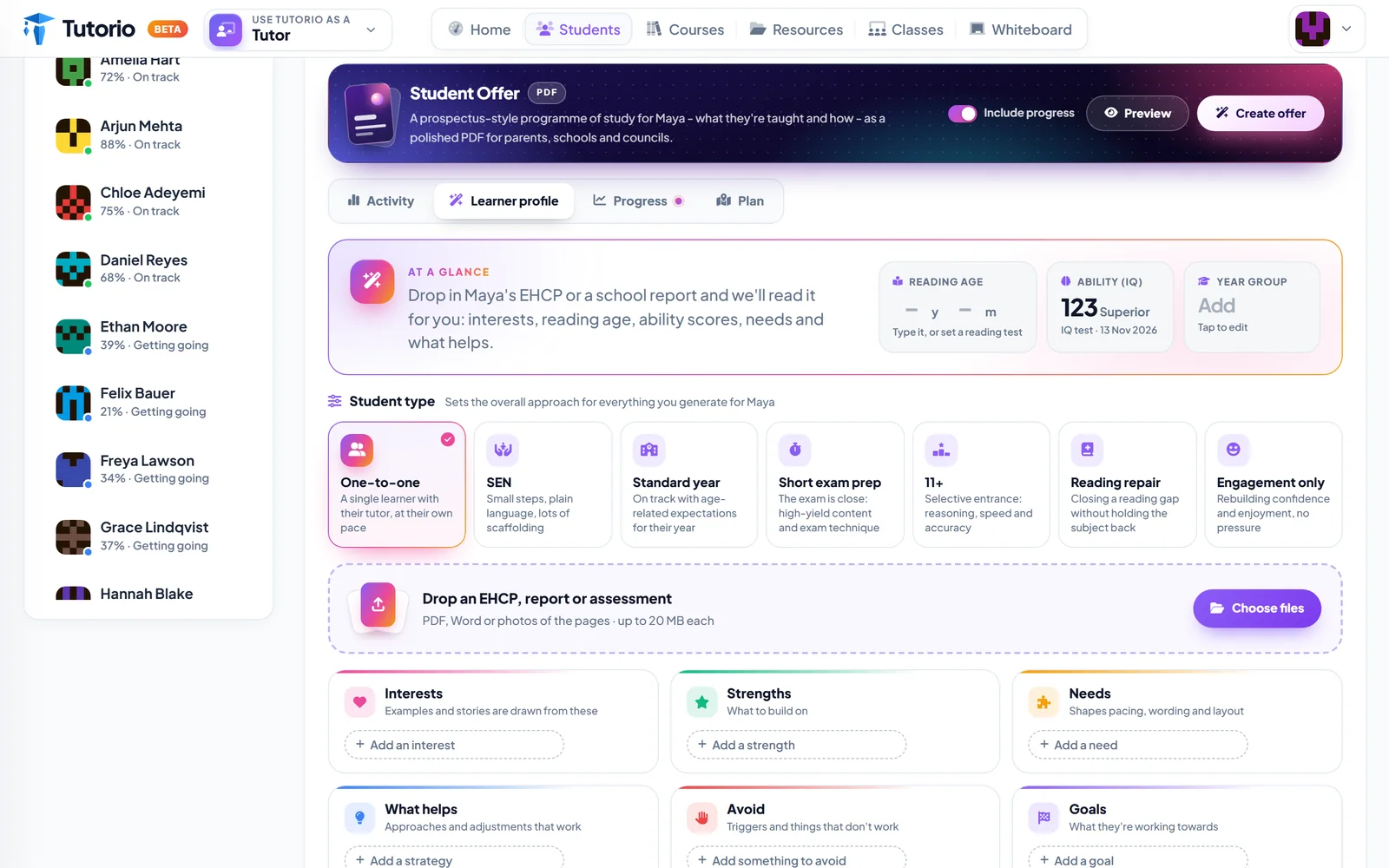
Every student has a Learner profile tab. At the top are the three facts that most change how something should be written: reading age, ability and year group.
Under that, you say what kind of teaching this is, because weekly one-to-one sessions and a six-week exam sprint are different animals. There are seven to choose from: one-to-one, SEN, standard year, short exam prep, 11+, reading repair and engagement only.
And then six short lists, which are really six questions a good cover teacher would ask you:
- Interests. What do they care about? Examples and stories get drawn from here.
- Strengths. What can we build on?
- Needs. What should shape the pacing, the wording and the layout?
- What helps. Which approaches actually work with them?
- Avoid. What sets them back?
- Goals. What are they working towards?
That "avoid" box is the one experienced tutors fill in first. Every one of us has a student for whom a timer on the screen is a disaster.
Or do not type it at all
If a student comes with an EHCP or a school report, drop it in. Tutorio reads it and fills in the profile for you: interests, reading age, ability scores, needs and what helps.
You then check it and correct it, which takes two minutes and is a great deal more pleasant than transcribing a fourteen-page document by hand.
A learner profile is never shown to the student or to other tutors. It may contain very personal information, so only upload documents you have the right to hold, and keep them minimal. Delete the profile and the document goes with it.
Where it shows up
The profile earns its keep the first time you build a course. The wizard opens by asking who the course is for, and students with a profile carry it on their chip.
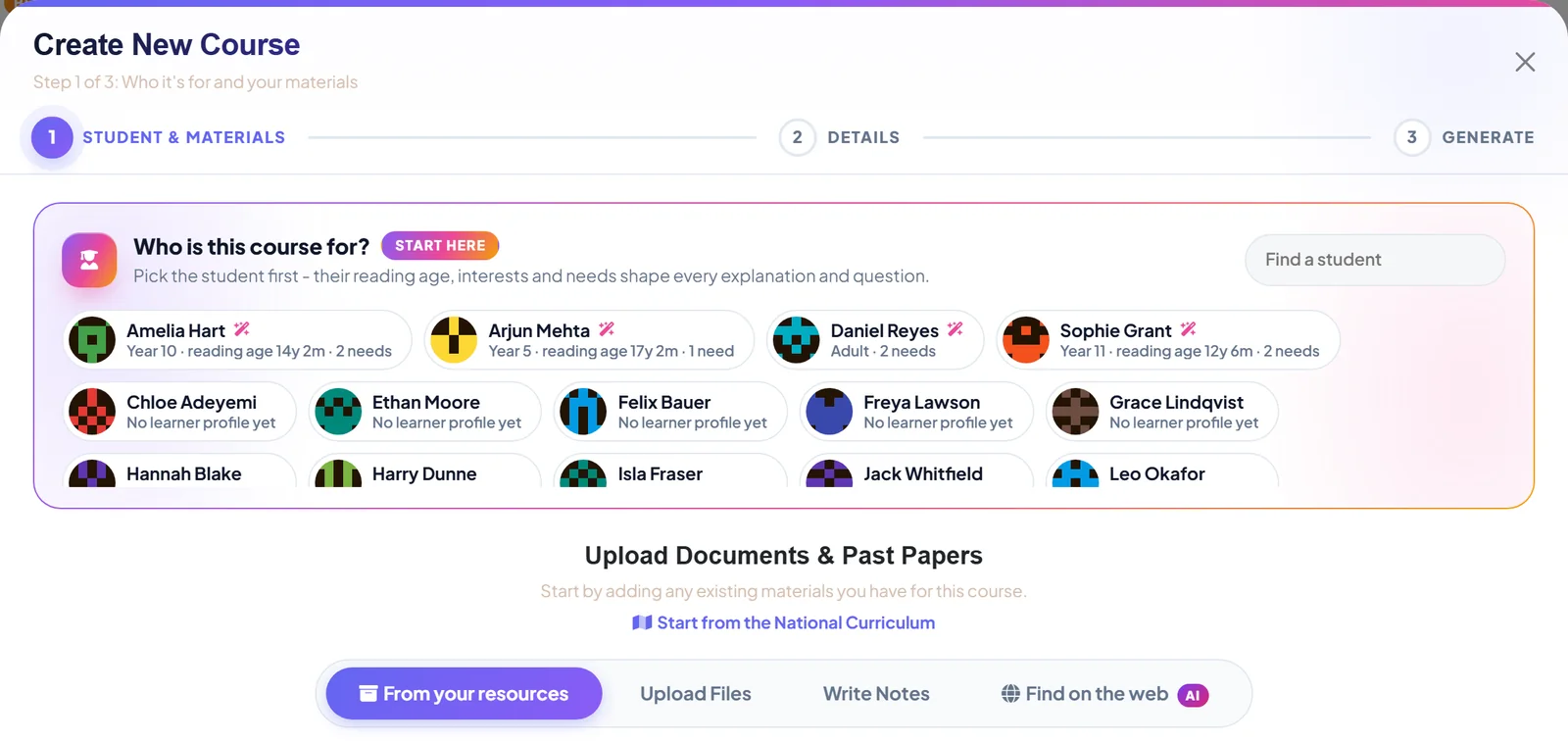
Pick Sophie and the same specification comes out pitched for her: explanations and questions shaped by her reading age, her interests and her needs. Pick Amelia and you get a different course.
Sophie gets shorter sentences. She does not get easier physics.
We want to be very clear on that, because "personalised" can be a polite word for "dumbed down". It is not that here. The content is still the specification. Both students are heading for the same exam and both courses cover what the exam board says they must. What changes is the way in.
The profile can also switch on accessibility settings for a student, such as larger text, higher contrast and read aloud. Record a need once and it follows them onto their phone.
And something for the grown-ups
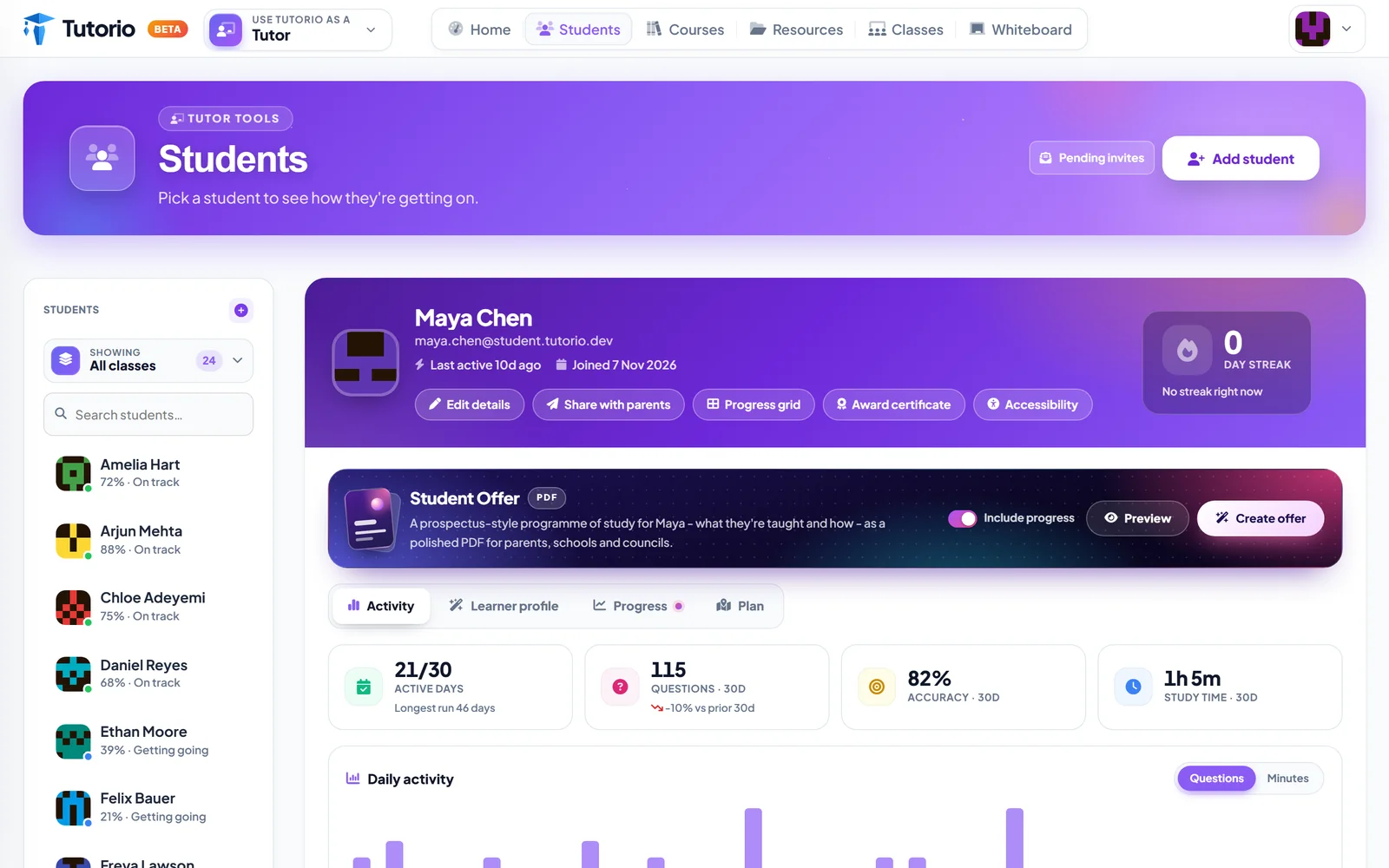
One more thing reads the profile. Student Offer turns it into a prospectus-style PDF: a programme of study for this particular student, what they will be taught and how, with their progress included if you want it.
It is written for the people who have to say yes before you can start: parents, schools, local authorities. Anyone who has ever had to justify a tutoring plan in an email at 11pm will understand why this exists.
Back to our two students
With a profile each, they get two different courses from one specification. The fast reader gets depth and pace. The anxious one gets a route in that does not trip her at the third line.
Neither of them will ever know a profile exists. They will just notice that, for once, the work seems to have been written by someone who has met them.

Questions people ask
What is a learner profile?
A private record of how a student learns best: reading age, ability and year group, plus short lists for interests, strengths, needs, what helps, what to avoid and goals. The course wizard reads it when you build a course for that student.
Can Tutorio read an EHCP?
Yes. Upload an EHCP or a school report and Tutorio fills in the profile from it. You then check it and correct it.
Who can see a learner profile?
It is never shown to the student or to other tutors. Delete the profile and the uploaded document goes with it.
Does personalised mean easier content?
No. Both students still cover what the exam board says they must. What changes is the wording, the examples and the pace.
Can a profile switch on accessibility settings?
Yes. It can turn on larger text, higher contrast and read aloud for that student, and the settings follow them onto their phone.
Written by the Tutorio team. We build Tutorio, so these posts describe the product as it is today. Every screenshot is a real capture of the app, and anything that changes gets an updated date. Spotted something out of date? Tell us.