Be honest. Where is the June 2023 Paper 2 mark scheme right now?
If the answer involves the word Downloads, an email you sent yourself, or a USB stick with a keyring on it, you are in very good company. Tutors are excellent at collecting resources and, mostly, terrible at finding them again.
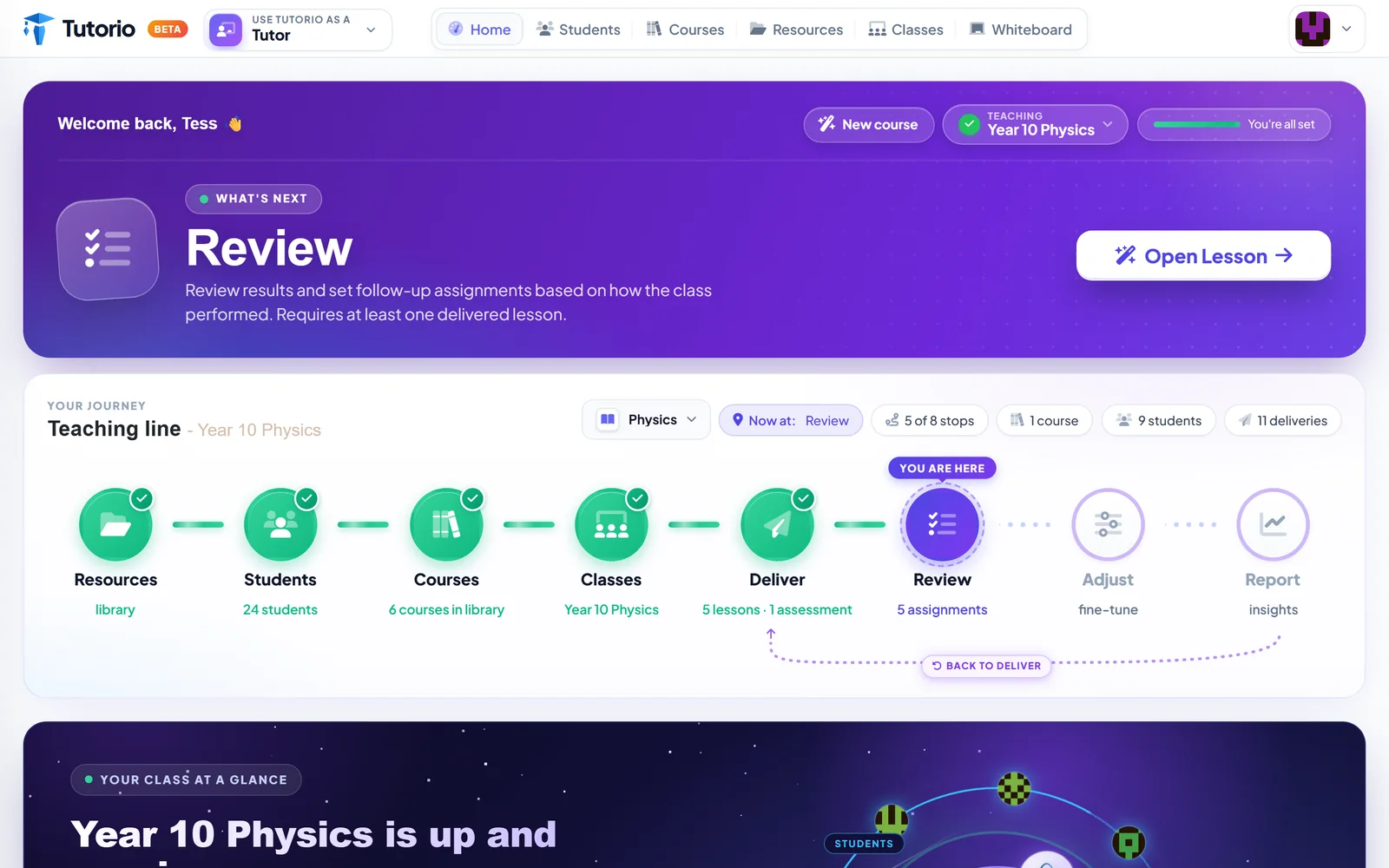
The Resources page is where they are supposed to live.
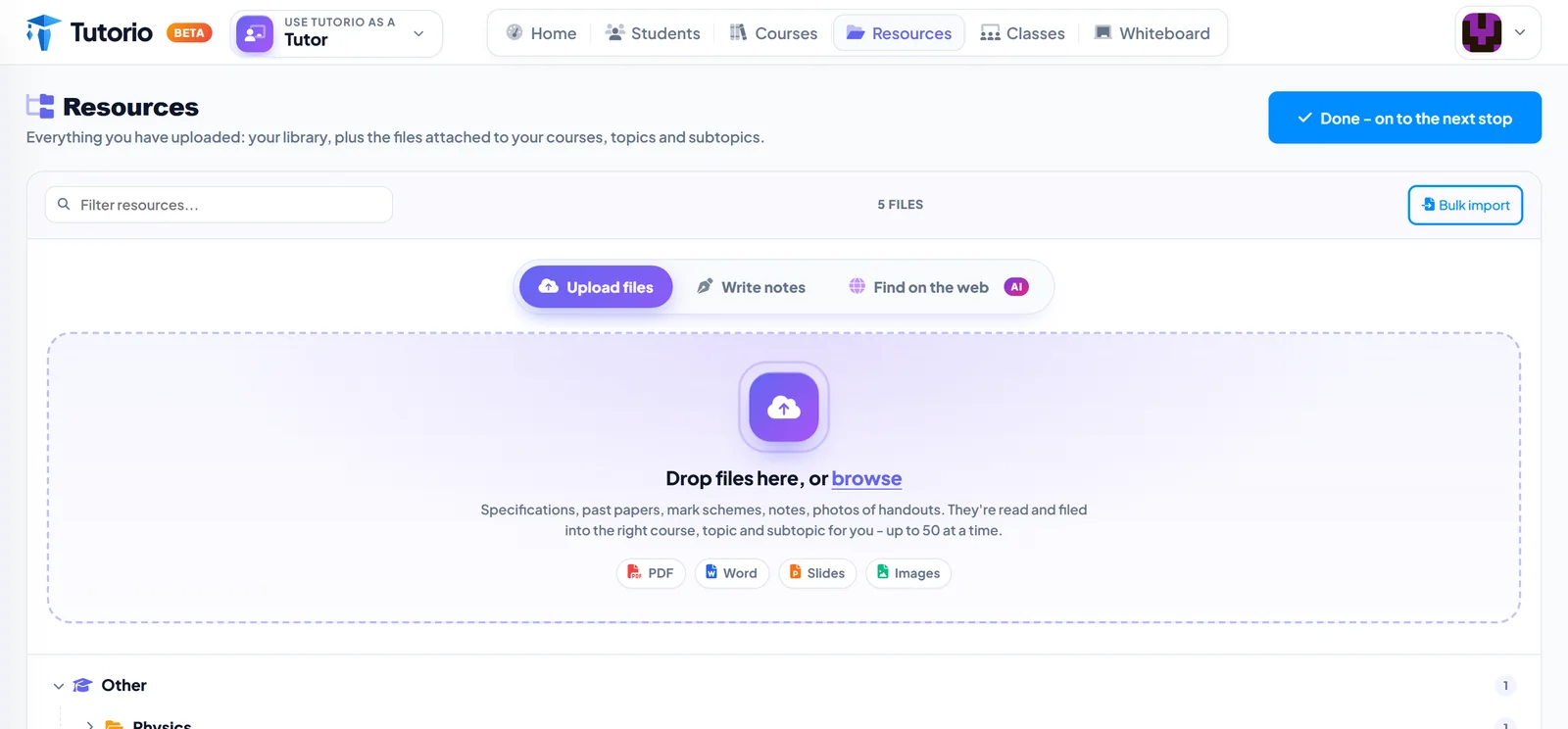
Drop them in. All of them.
The big dashed box takes specifications, past papers, mark schemes, your own notes, and photos of a handout you took on your phone in a staffroom. PDFs, Word, slides and images are all fine.
You can drop up to fifty at a time. And here is the part that saves the afternoon: you do not have to sort them. Each file is read and filed under the right course, topic and subtopic for you.
The filing is the job nobody wants. So the filing is the job we took.
Three ways in
- Upload files. For everything you already have.
- Write notes. For the things that only exist in your head, or in the margin of a textbook.
- Find on the web. For the specification you know exists but cannot face hunting for.
One upload, many courses
This is the quiet reason the library matters. Uploading something does not create a course. It simply puts the document on the shelf.
So one specification can feed a full two-year course, a short revision course before mocks, and a tailored version for the student who needs it explained differently. Next September, when you teach it all again, it is still sitting there.
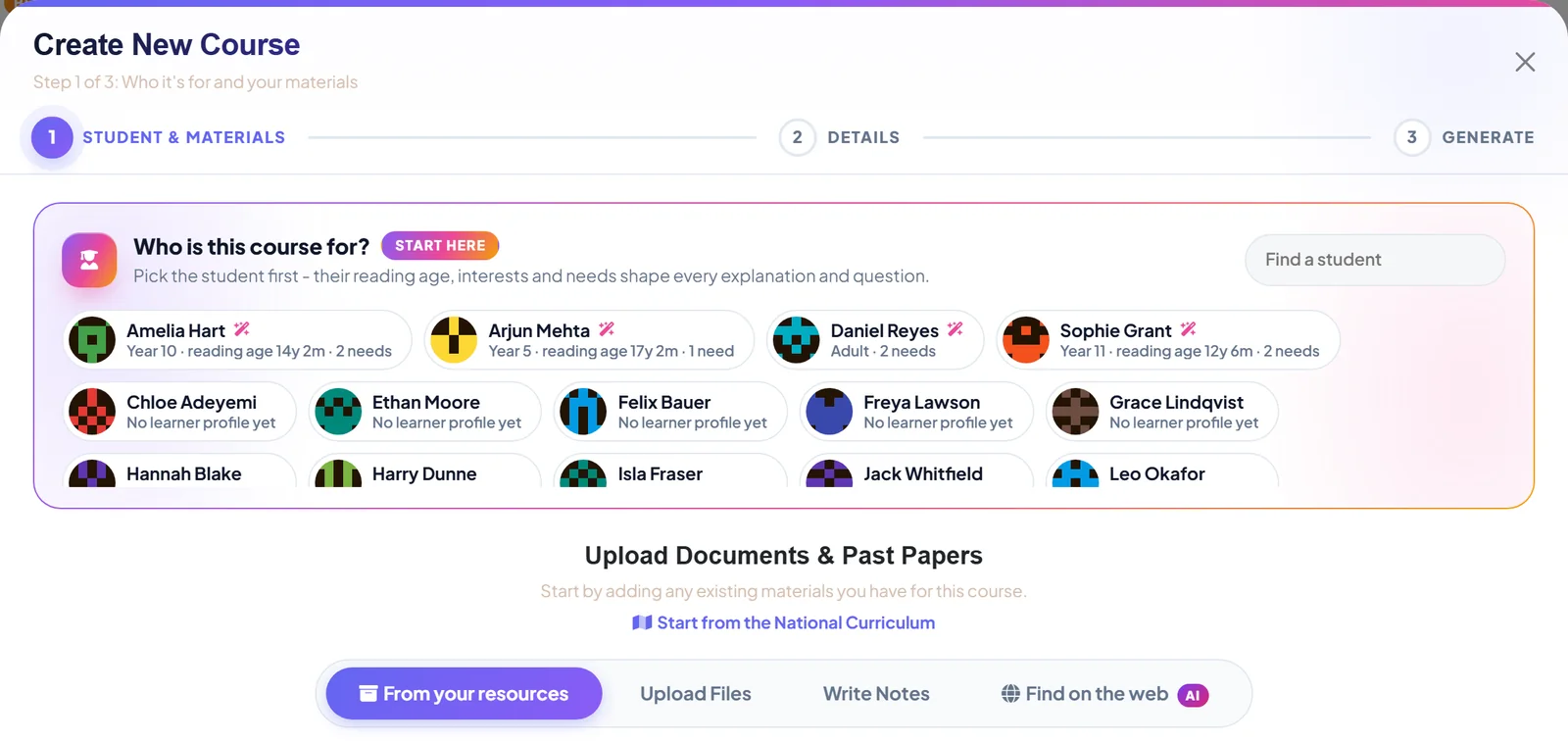
When you do want to build, the course wizard has a tab called From your resources. Tick what you need and carry on. Nothing is uploaded a second time. The full walk-through is in that folder of past papers is a course.
Your uploads are stored privately. Delete anything from the library whenever you like, and the courses you already built from it carry on working.
A small thing that adds up
None of this is glamorous. Nobody ever chose a tutoring platform because of its filing. But the ten minutes you lose hunting for a mark scheme before every session is ten minutes, several times a week, for years. We would rather you spent it on the student.

Questions people ask
What kinds of file can I upload?
Specifications, past papers, mark schemes and your own notes, as PDFs, Word documents, slides or images. A photo of a handout taken on your phone works too.
Do I have to sort the files myself?
No. Each file is read and filed under the right course, topic and subtopic. You can drop in up to fifty at a time.
Can I use one specification for more than one course?
Yes. A document in the library can feed a full two-year course, a short revision course and a version tailored to one student. Nothing is uploaded twice.
Who can see the resources I upload?
Your uploads are stored privately. On the Studio plan, colleagues in your organisation can use them too. You can delete anything from the library whenever you like, and courses already built from it carry on working.
Written by the Tutorio team. We build Tutorio, so these posts describe the product as it is today. Every screenshot is a real capture of the app, and anything that changes gets an updated date. Spotted something out of date? Tell us.