You know how an online session starts.
"Can you see my screen?" "No." "How about now?" "I can see you." "Right, click the other link. No, the one in the chat. The chat. Bottom right."
Five minutes gone, and nobody has learned anything except where the chat button is. One tab for the call, one for the whiteboard, one for the thing you are trying to show. Every extra tab is another place for a twelve-year-old to get lost.
Tutorio Whiteboard is one tab.
What is in the room
The call
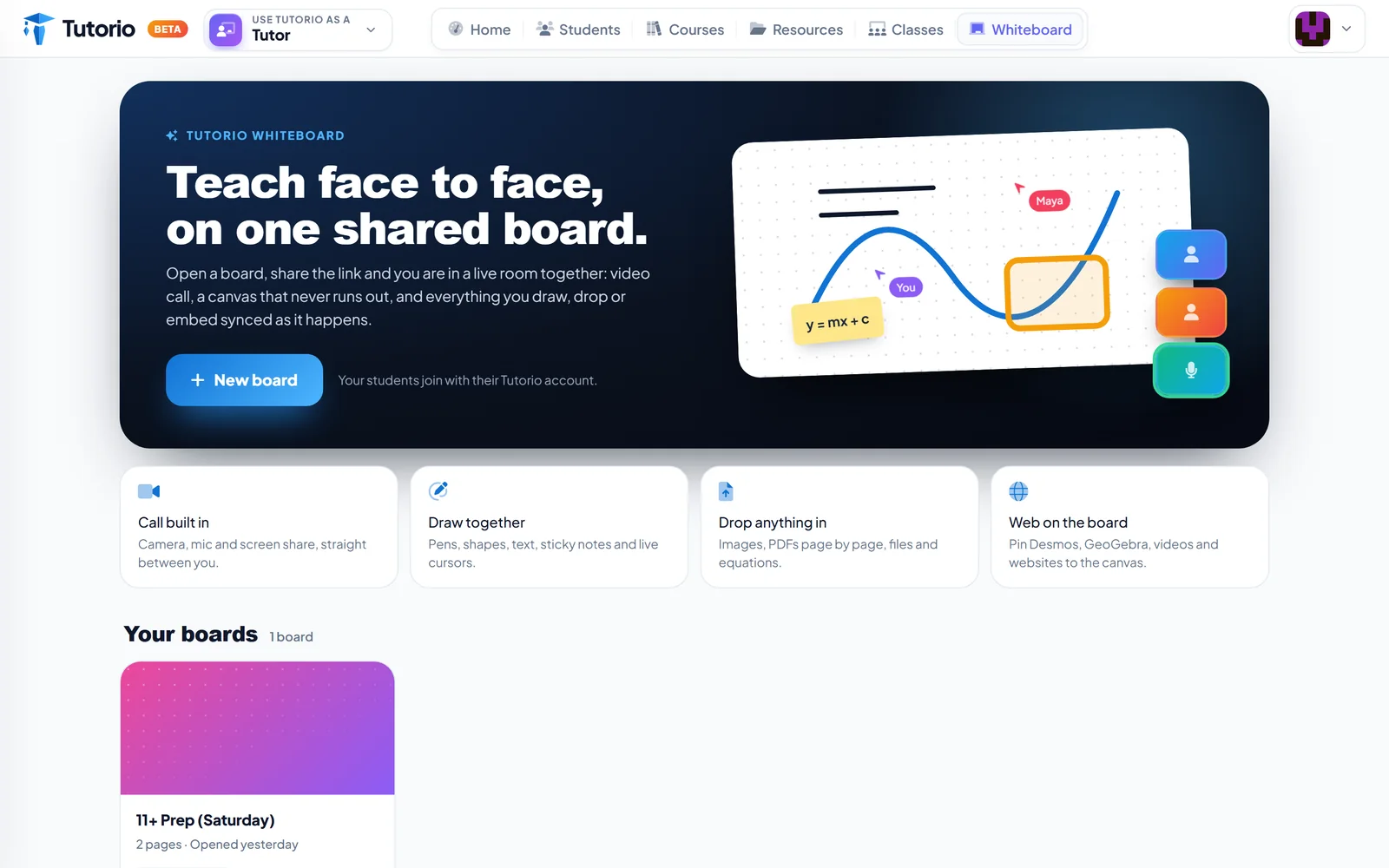
Camera, microphone and screen share are part of the board. There is no second app to schedule, and no link to a link.
A canvas that does not run out
Pens, shapes, text and sticky notes, on a board with no edges. You can each see the other's cursor, which sounds minor until a student says "this bit" and you can actually see which bit.
Then there is the best move in tutoring: handing over the pen. Watching a student work a problem, line by line, tells you ten times more than their final answer ever will. You see exactly where it goes wrong, as it goes wrong.
Anything you can drag
Images, files and equations drop straight on. PDFs open page by page, so a past paper stops being something you both squint at and becomes something you both write on.
The internet, pinned down
Desmos, GeoGebra, videos and websites can be pinned to the canvas. A graph you are both dragging around beats a screenshot of a graph every single time.
It remembers last week
Boards are saved, pages and all, under Your boards. In the screenshot, a Saturday 11+ group has a two-page board from yesterday waiting for them. Next session starts where the last one stopped, not with ten minutes of "where were we".
Students join with the Tutorio account they already use for practice. There is no extra sign-up to explain to a parent.
Whiteboard or live lesson?
Fair question, since we built both. They are for different moods.
Whiteboard is a conversation. Working something through, sketching an idea, marking up a paper together, following a tangent because the tangent is where the misunderstanding lives.
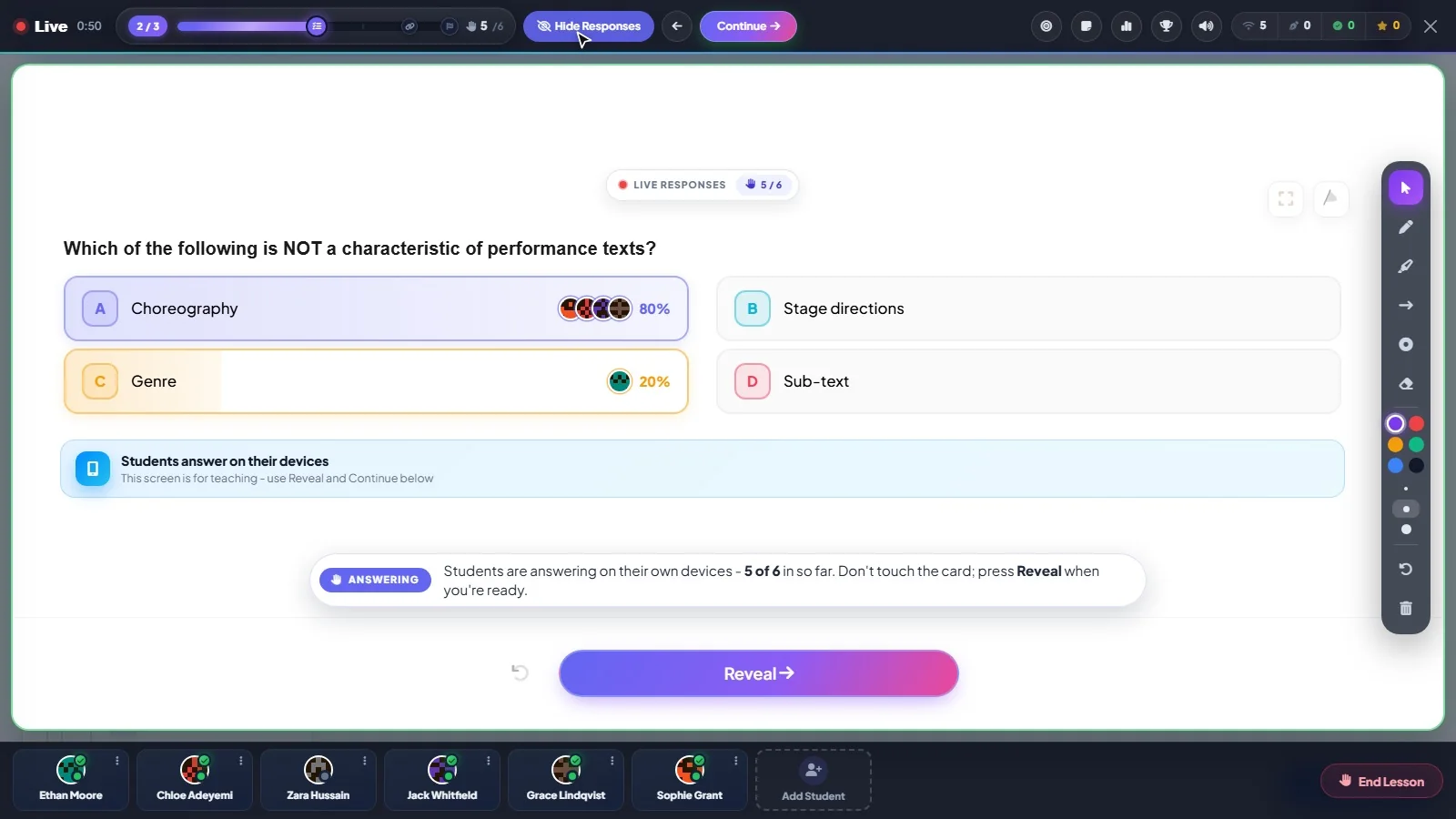
A live lesson is a performance. Every student answering the same question on their own phone, you seeing every answer before you reveal it, and a podium at the end. That one is taken apart here.
Most tutors will use both in the same week. Sometimes in the same hour. The habits that make either one work through a screen are in our online tutoring tips.
Questions people ask
Do students need to install anything to join a whiteboard?
No. Students join with the Tutorio account they already use for practice, so there is no extra sign-up to explain to a parent.
Is the video call built into the whiteboard?
Yes. Camera, microphone and screen share are part of the board. There is no separate meeting to schedule.
Can we write on a past paper together?
Yes. PDFs open page by page on the canvas, so you and your student can both write on the same paper. Images, files and equations drop straight on as well.
Are whiteboards saved between sessions?
Yes. Boards are saved, pages and all, under Your boards.
When should I use the whiteboard and when a live lesson?
Use the whiteboard for a conversation: working something through, or marking up a paper together. Use a live lesson when you want every student answering the same question on their own phone.

Written by the Tutorio team. We build Tutorio, so these posts describe the product as it is today. Every screenshot is a real capture of the app, and anything that changes gets an updated date. Spotted something out of date? Tell us.