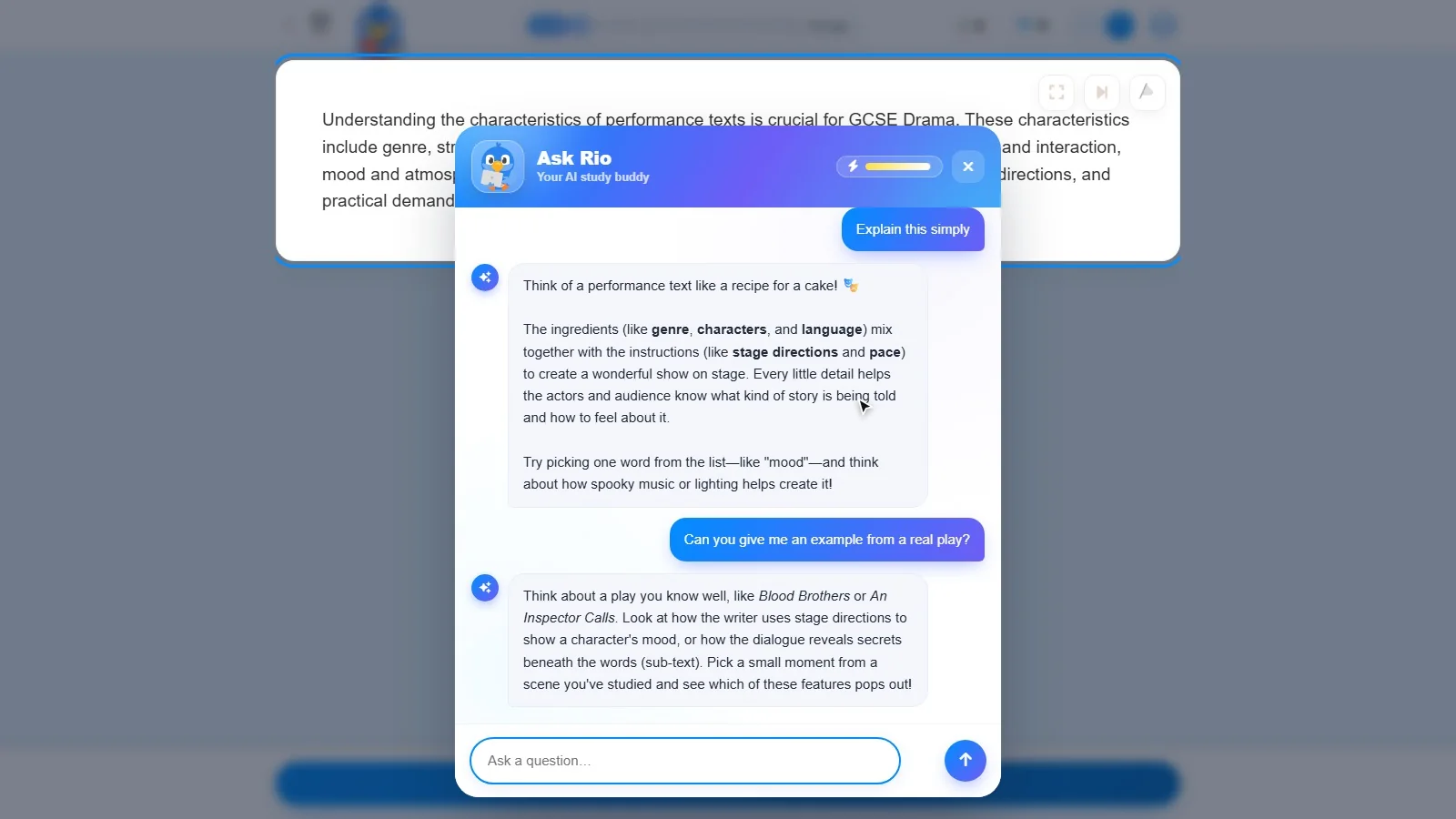
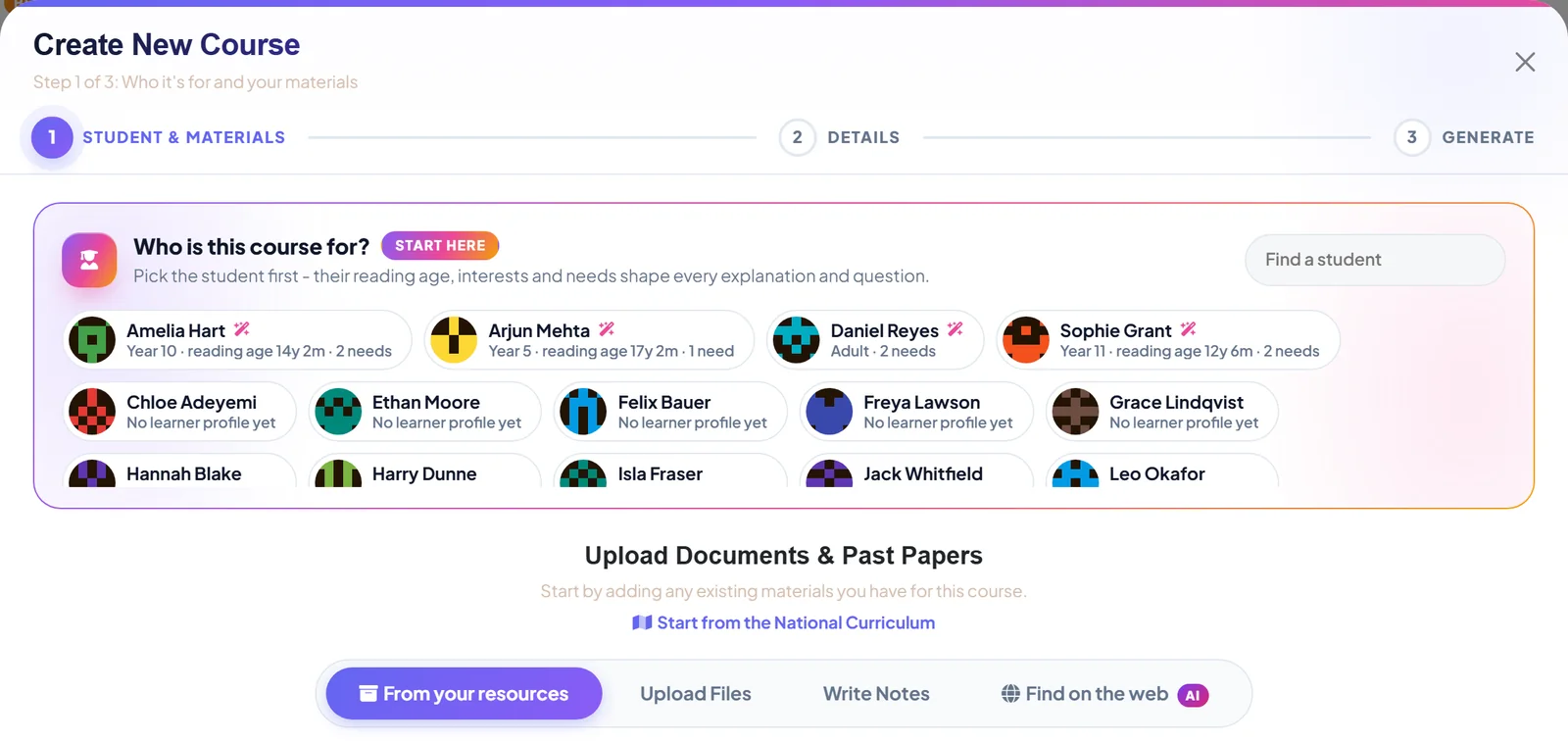
Most of the apps on your child's phone have clever people working out how to keep them there a little longer.
We would like to explain why we are trying to do the opposite, and what that means for the question every parent ends up asking. How much is enough?
The answer is about ten minutes
A Tutorio session is designed to take five to ten minutes. One a day keeps the streak. That is the whole target.
More is not better. Short practice, spaced out, beats one long sitting. So the app does not reward time spent, only questions answered. There is nothing to be gained by leaving it open.
A home screen with an end
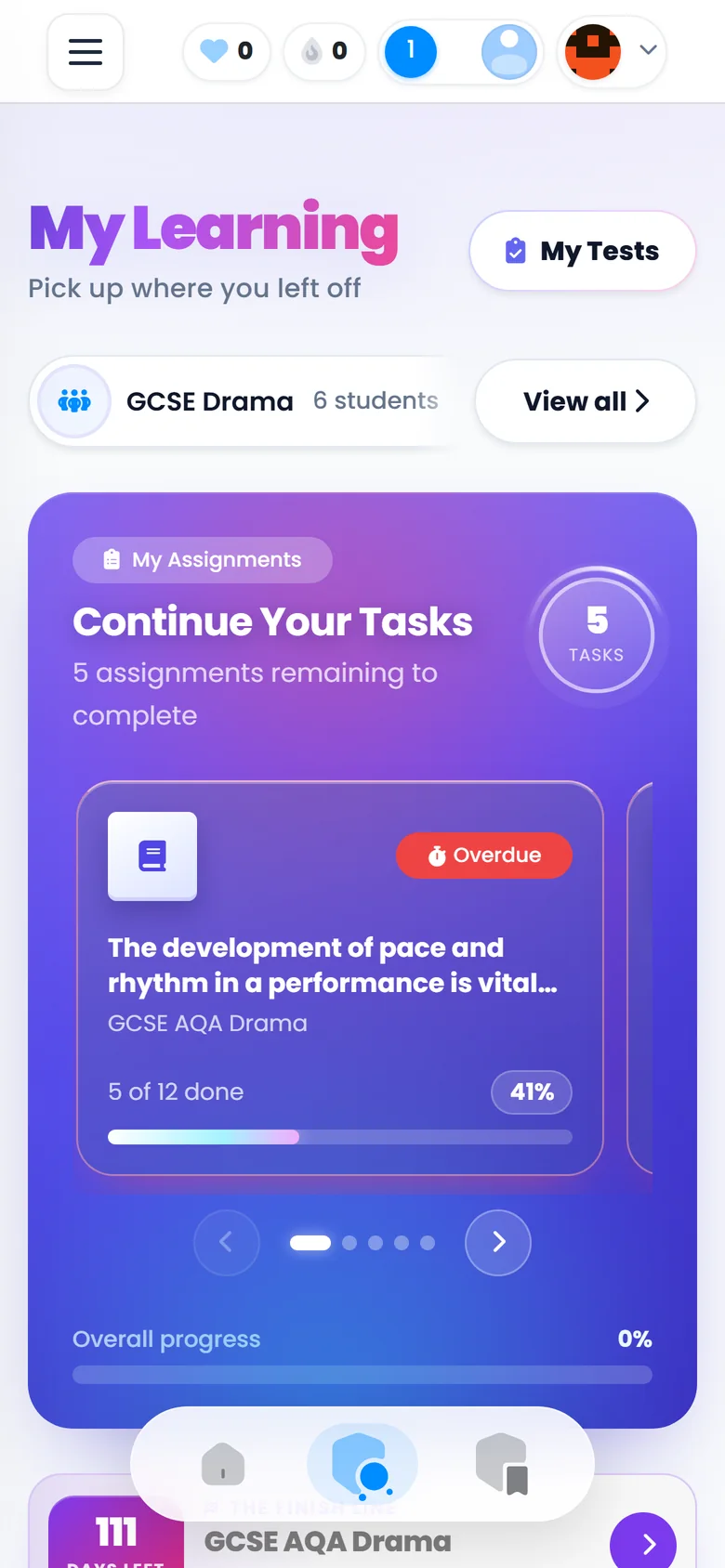
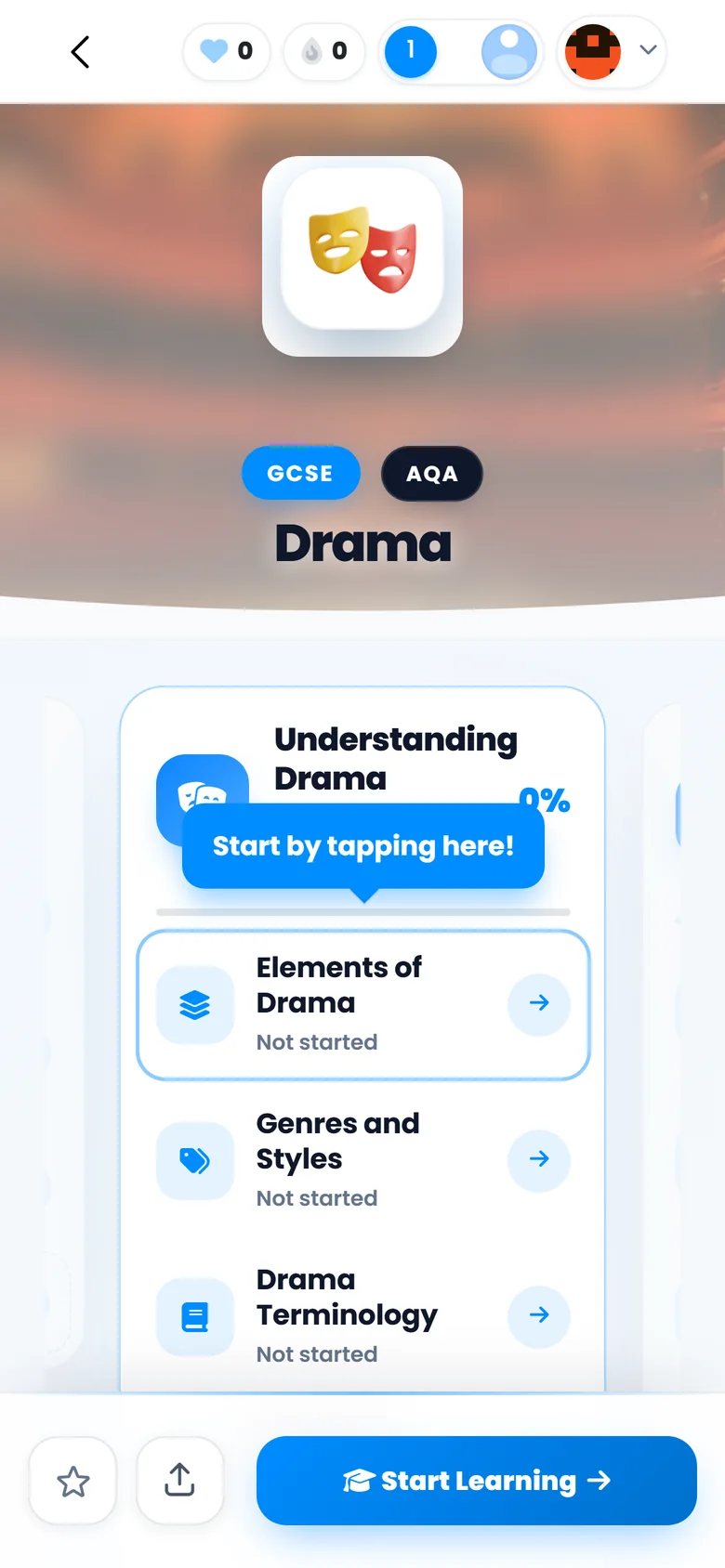
Open the app and the first thing on the screen is Continue Your Tasks: the work a tutor has set, with a progress bar, and an Overdue badge on anything late.
It is a short list, and it ends. When the tasks are done, they are done.
Every reminder we send
There are not many, and you should know what they are.
- The streak reminder goes out once, in the evening, and only if the day's session has not happened.
- Homework reminders follow overdue work: after one hour, one day, three days and a week. They stop the moment the work is finished.
- Nudges are rare and tied to something real, such as an exam approaching or an assignment due.
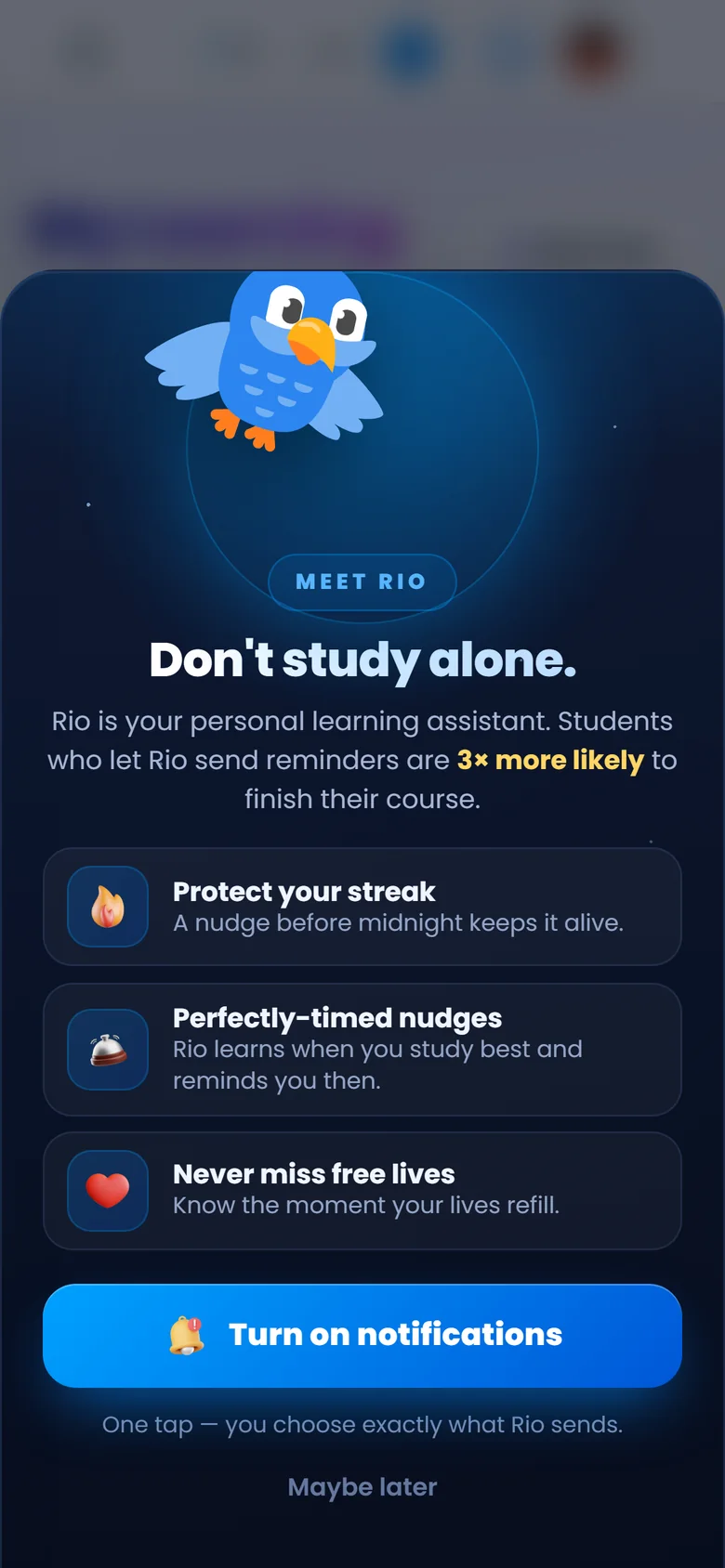
Rio, the parrot who sends them, asks first. Maybe later is a real answer, and a student can switch off individual kinds of reminder afterwards or silence him entirely with one switch.
Turning it down
Every category can be switched off in Settings, under Notifications, on your child's device.
For quiet hours, use the phone's own Focus or Downtime settings. They hold Tutorio back along with everything else, which is how it should be.
A streak freeze covers one missed day. It is bought in advance with coins your child has earned in the app, and coins are never sold for money. There is nothing here for you to pay for.
When to worry, and when not to
If your child does ten minutes and stops, the app is working as designed.
If they want a go in the Arcade afterwards, every question in those games comes from the course they are studying. We would not fight it.
If the reminders are causing arguments, turn them off. The lesson will still be there tomorrow.
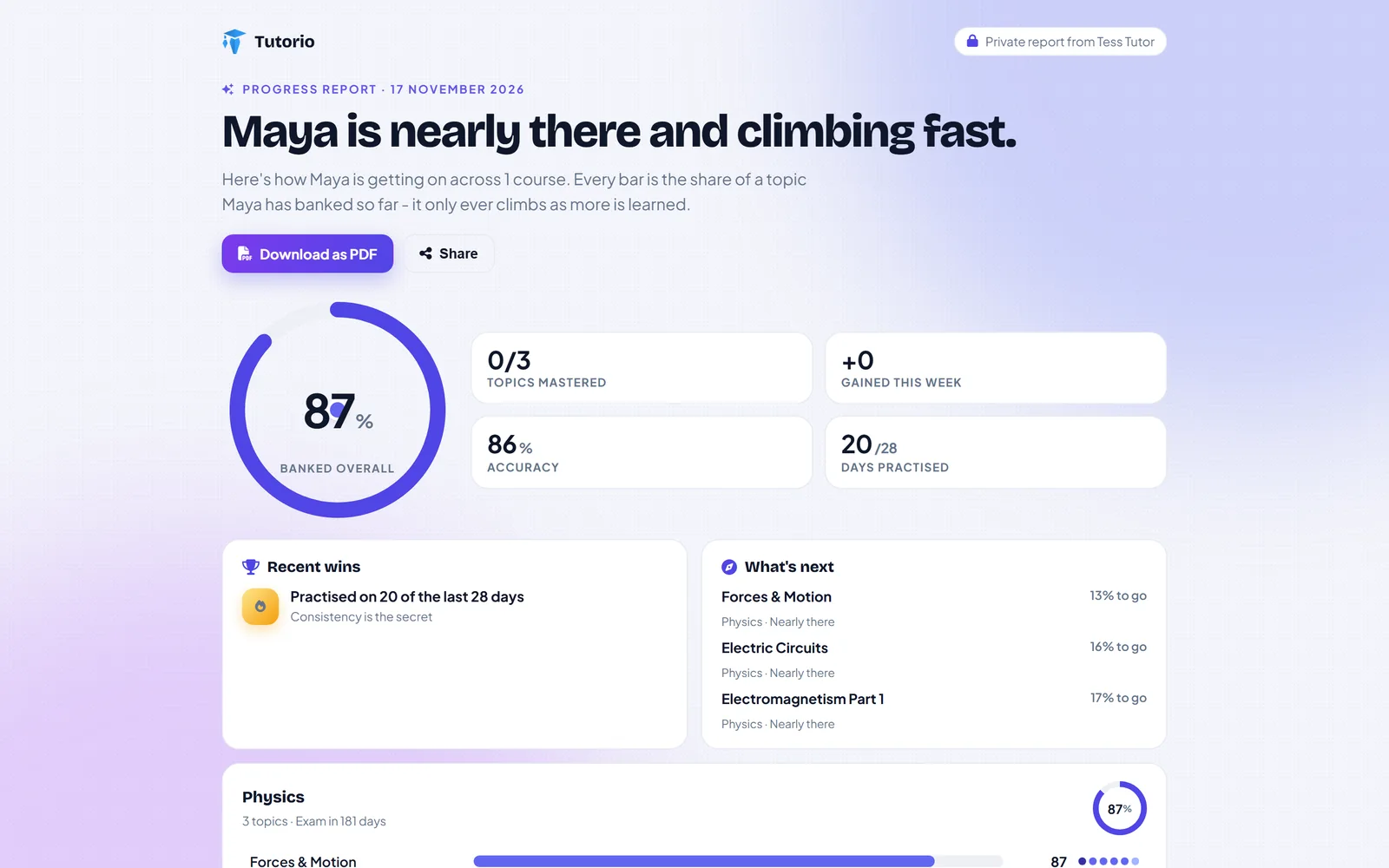
And if what you really want to know is whether those ten minutes are doing any good, ask the tutor for a progress link. Here is what you will see.
Questions people ask
How long should my child spend on Tutorio each day?
A session is designed to take five to ten minutes, and one a day keeps the streak. More is not better: short, spaced practice beats long sessions.
What notifications does Tutorio send?
A streak reminder once in the evening if the day's session has not happened, reminders about overdue homework, and occasional nudges tied to real events such as an exam approaching or an assignment due.
How do I turn the reminders off?
Switch any category off in Settings, under Notifications, on your child's device. For quiet hours, use the phone's own Focus or Downtime settings.
Is there anything for parents to pay for in the app?
No. Students never pay to practise, and coins are earned in the app and never sold for money.

Written by the Tutorio team. We build Tutorio, so these posts describe the product as it is today. Every screenshot is a real capture of the app, and anything that changes gets an updated date. Spotted something out of date? Tell us.